Make the whole season, not one lucky clip.
Mr. Yellow Studio is where a team makes a series, a film or a campaign with AI. It checks every prompt against your story bible, prices every generation before you press Generate, and hands your editor a Final Cut timeline with every second the model made.
We’ll walk you through the studio on your own script.
A clip is easy. Episode twelve is hard.
The models make a good five seconds. Keeping the same face, the same room and the same budget across four hundred shots is the job, and today it lives in folders, spreadsheets and someone’s memory.
20–300
generations for each shot a team keeps, in published accounts of AI films and ads
— Air Head, the Kalshi ad, Clixie
~400
shots in one episode of a solo AI series
— ScreenWeaver, Lost Garden
14 of 20
first-hand accounts we read name drift (faces, rooms, looks changing between shots) as the pain
— Our reading of 20 first-hand accounts, 2026
Continuity
Episode twelve still looks like episode one.
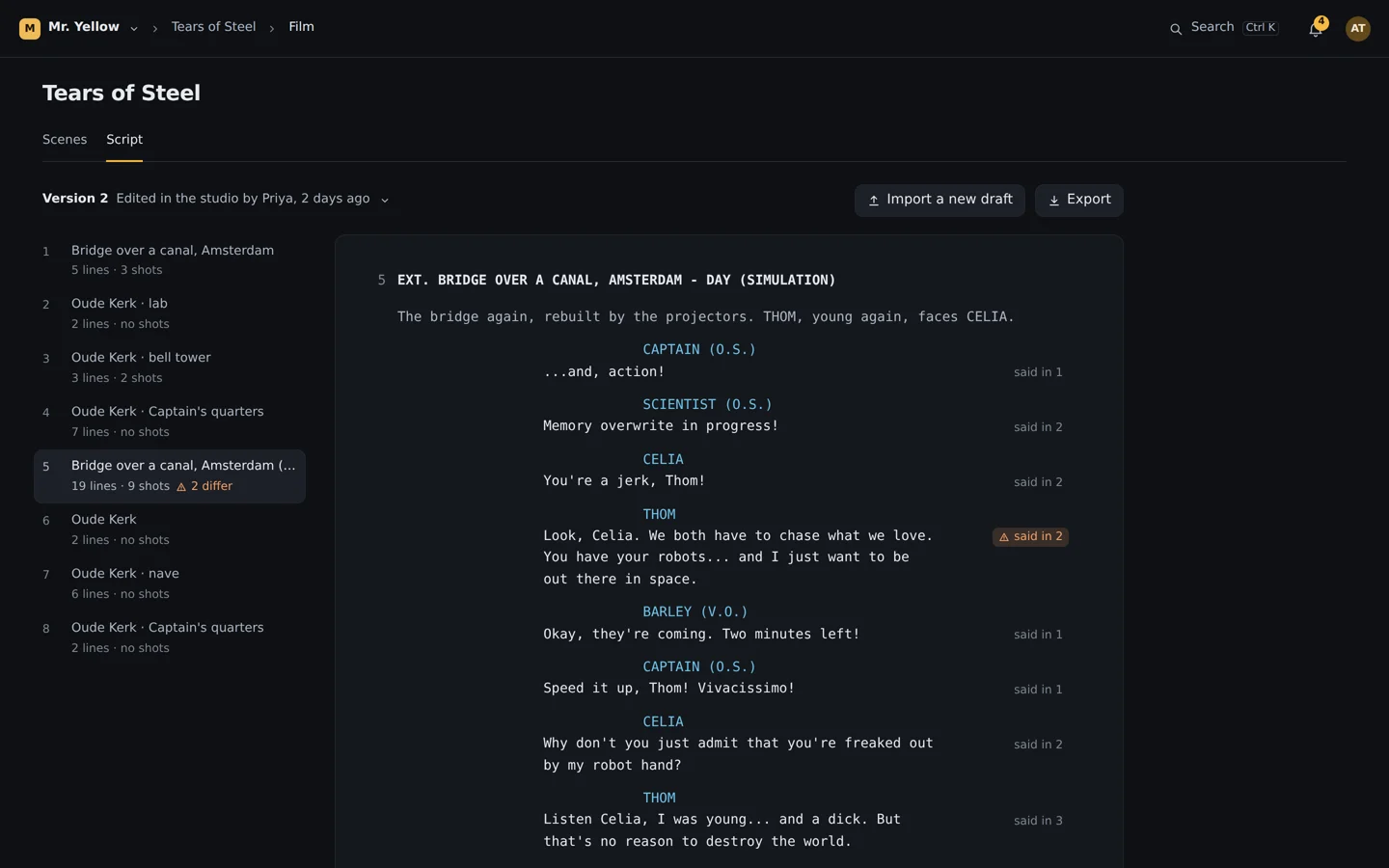
A story bible holds what is true about each character and place, and from which episode. Your own approved frames become the reference. Before you spend, the studio checks the prompt against the story; after a take lands, it checks the dialogue against the script.
The story bible checks the prompt
Shot 4 Scene 5
The Captain leans into the light;
 The CaptainStart frame
Every prompt is checked against the story bible
Checked against the story bible as you type, before anything is spent.
01 / 06Prompt
Misses are footage too
Every generation is footage you can cut.
The studio finds the cuts inside each generation and offers every piece as a take, so a miss for one shot is often the take for another. You see the price before you press Generate, draft at 480p and finish the one you keep at 1080p. Set a cap on a production and spending stops there.
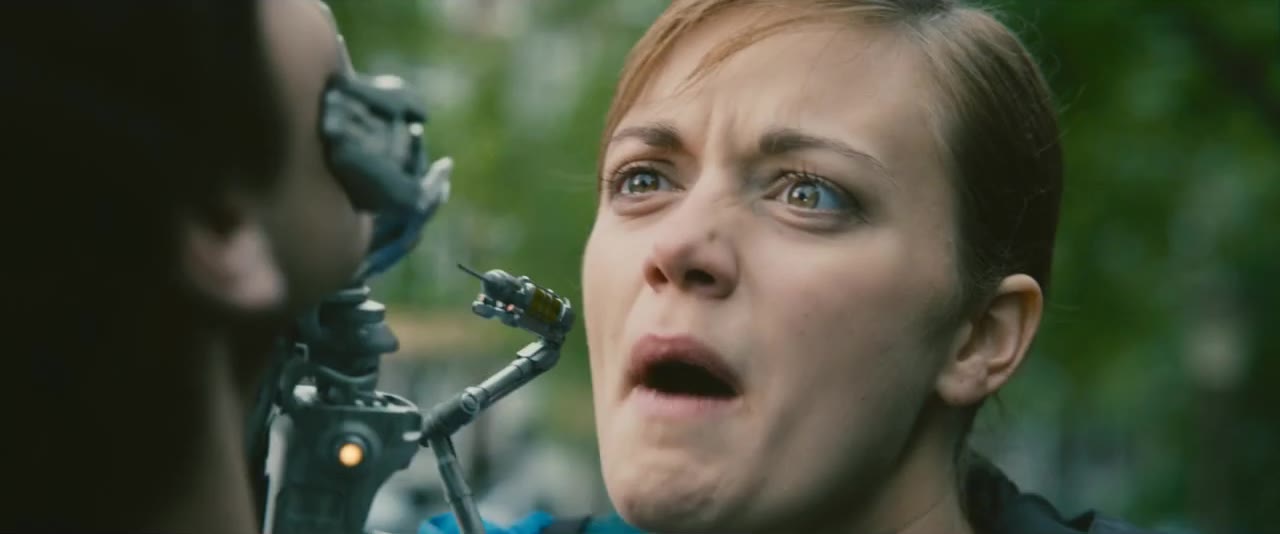
One generation, six takes





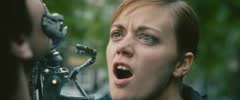
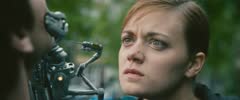
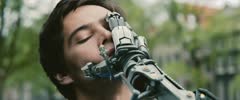
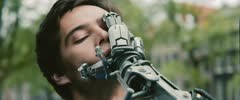
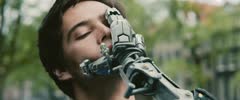
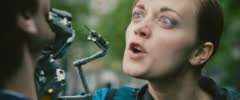
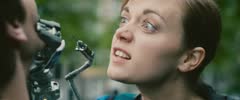
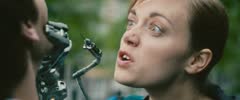
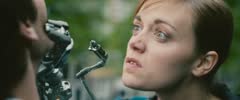
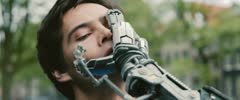

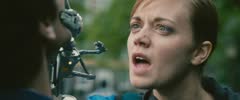
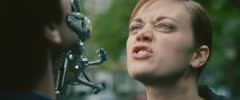
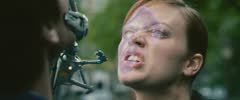
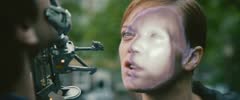
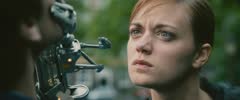
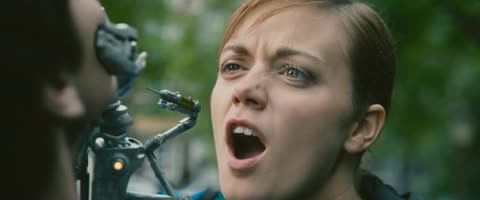
- Made for
- Shot 8 · Scene 5
- Prompt
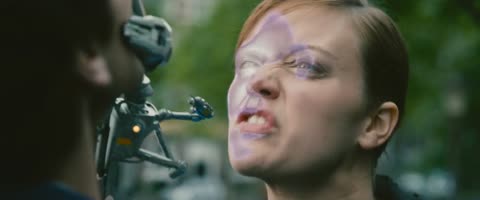
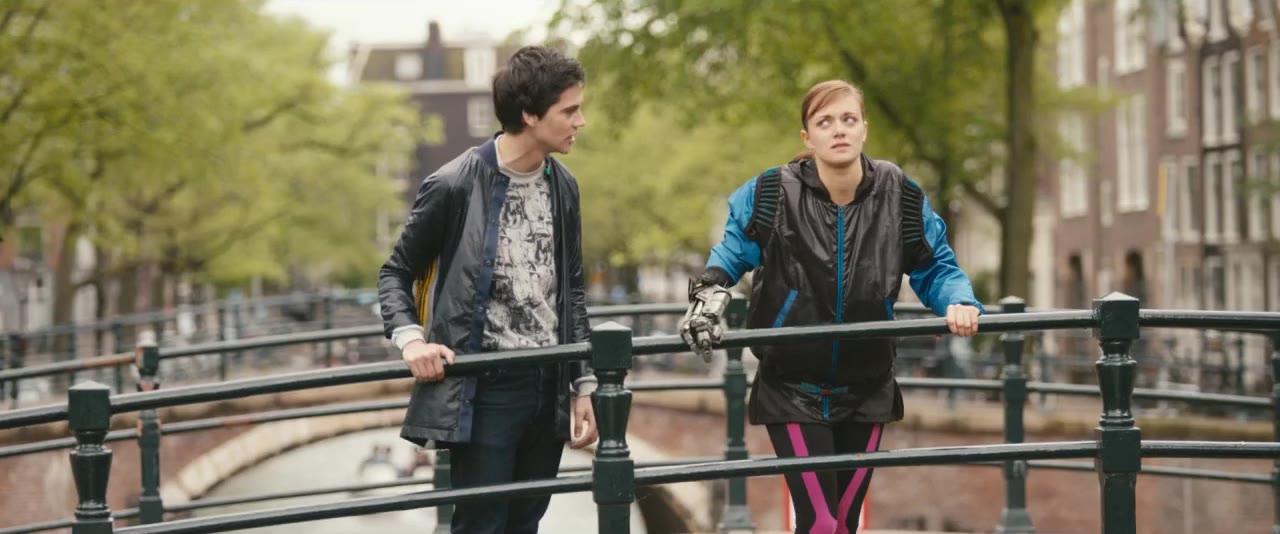
- Celia holds Thom’s face with the robot hand: “You broke my heart.” “I know.”
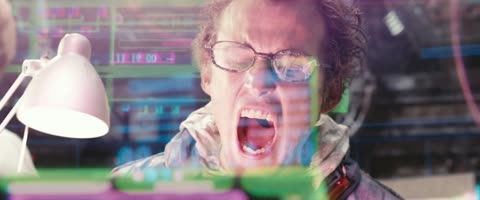
Clip 1 3.1 s
THOM: Nooooo!
Clip 2 2.3 s
CELIA: You broke my heart.
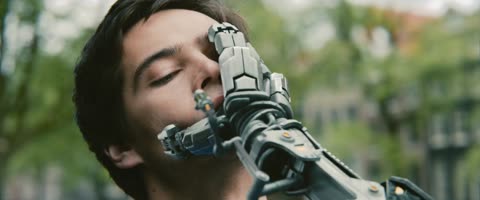
Clip 3 1.5 s
THOM: I know.
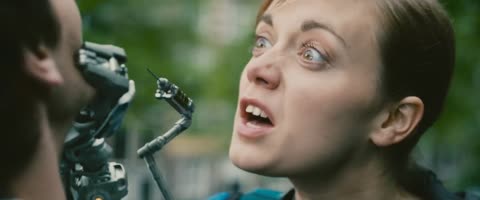
Clip 4 2.0 s
CELIA: You forgot me on earth.
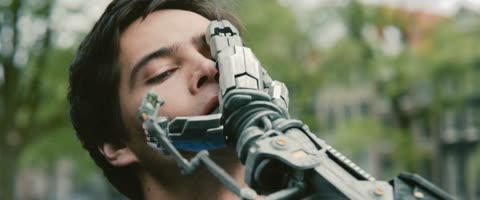
Clip 5 1.2 s
THOM: I know.
Clip 6 2.3 s
CELIA: I should just crush you.
 1
1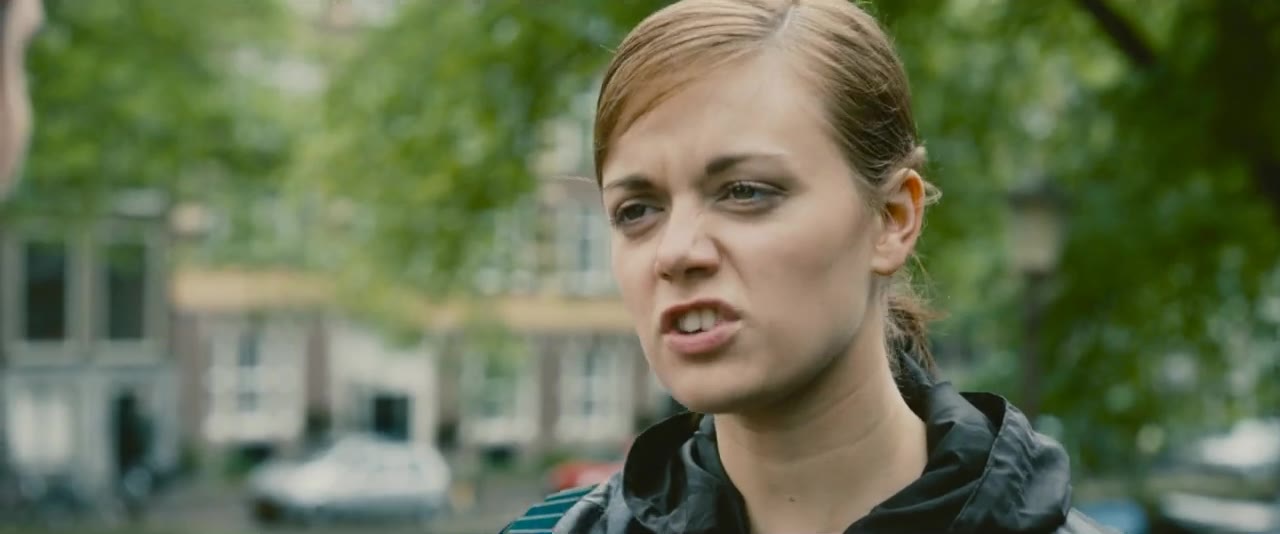 2
2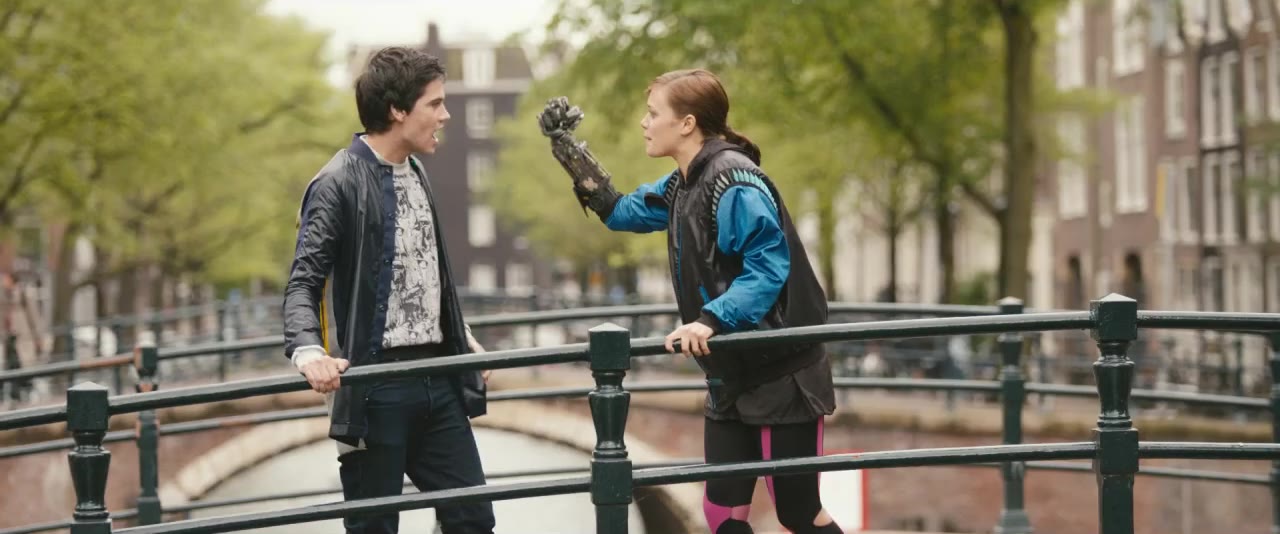 3
3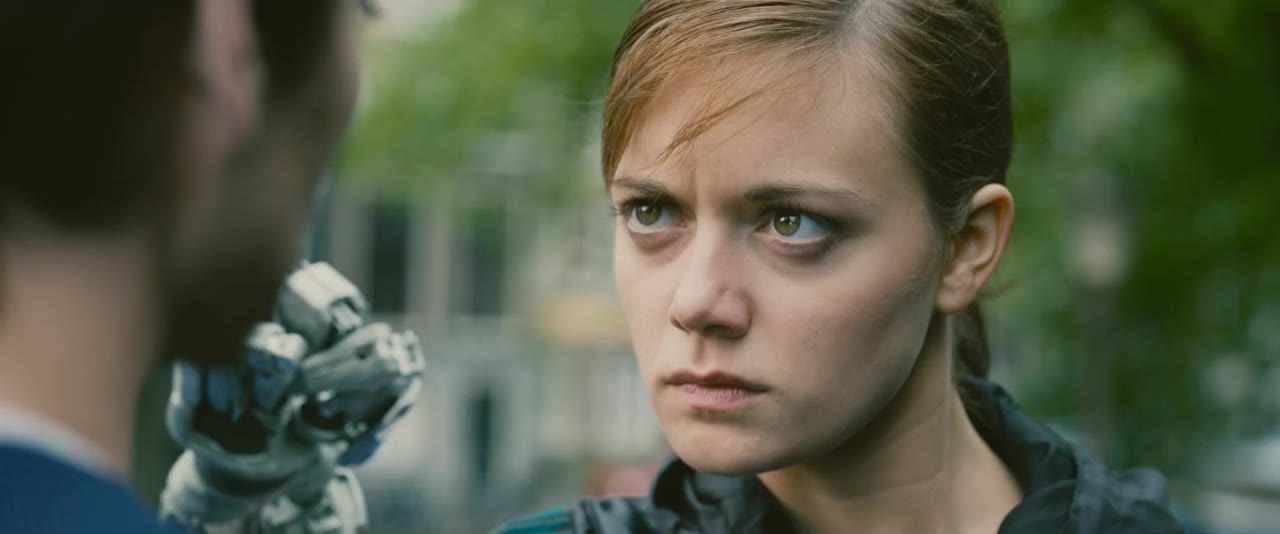 4
4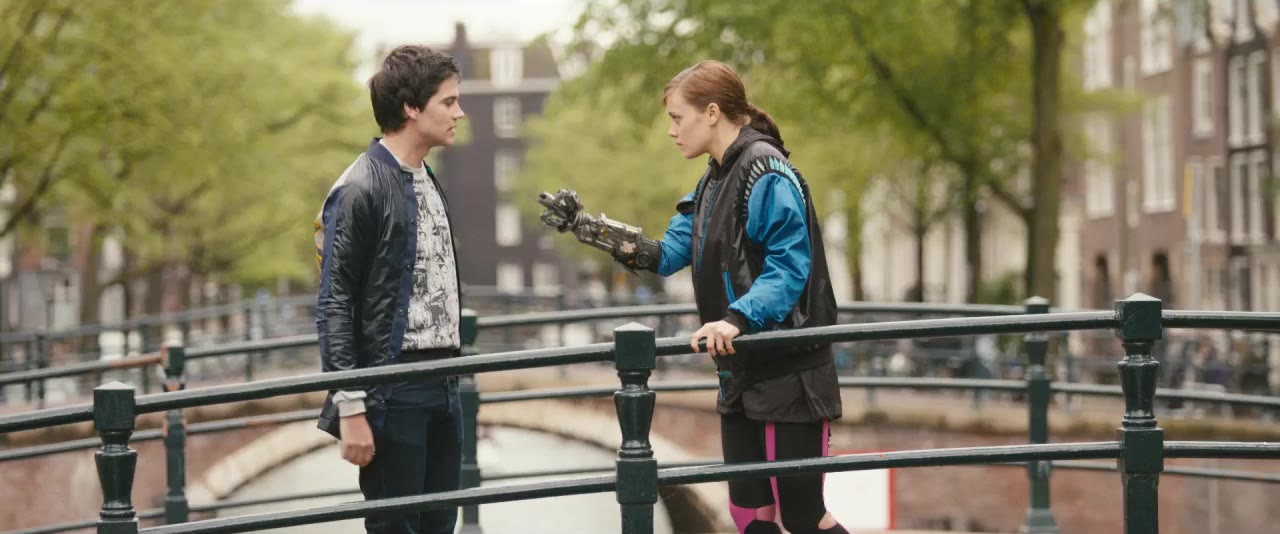 5
5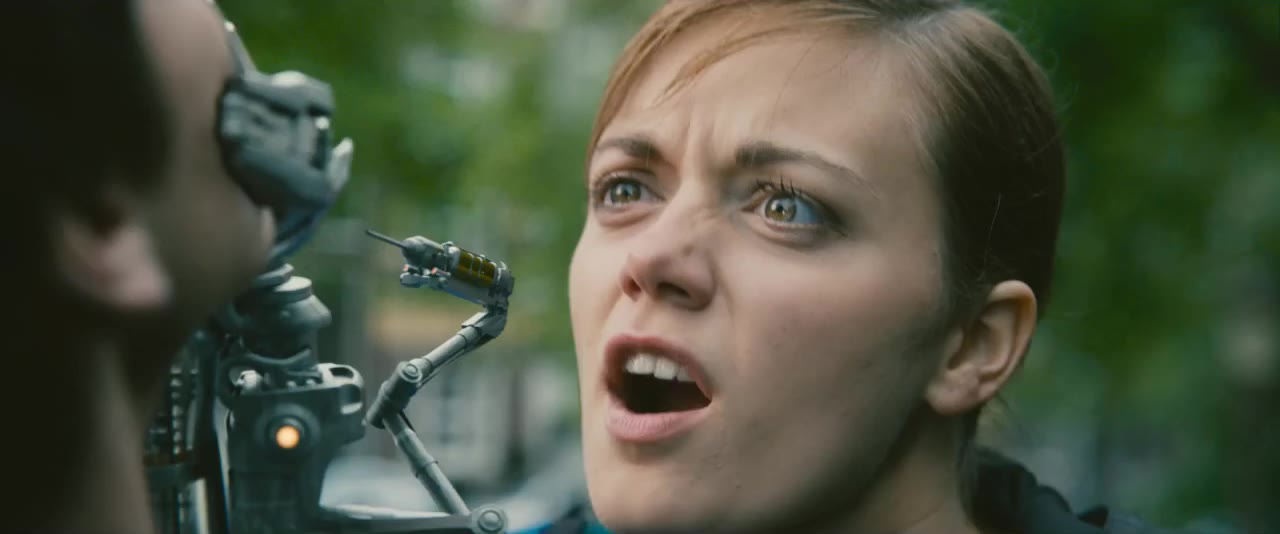 6
6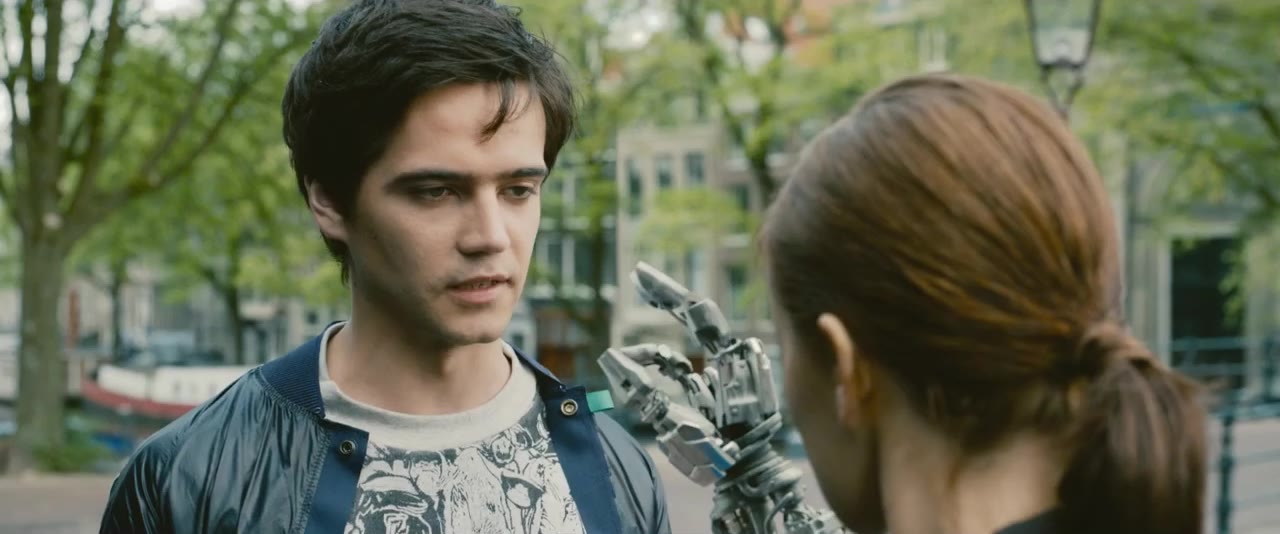 78
78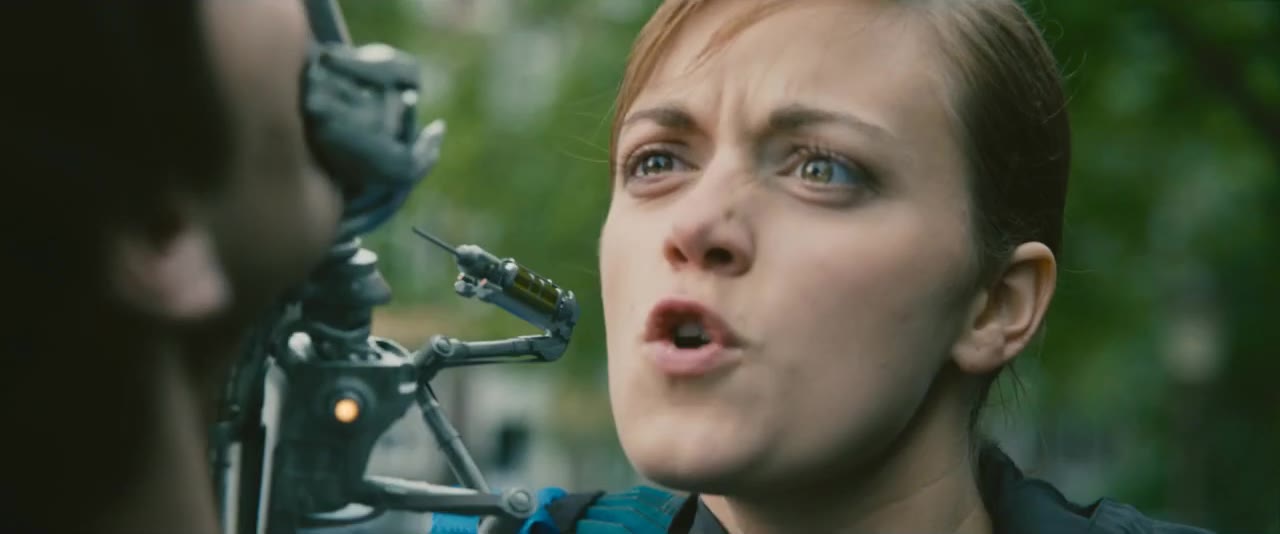 9
9One generation, six takes
5.7 cuts in an average generation (95 of our own generations)
01 / 05Generation
Nothing gets lost
Every shot knows where it came from.
Each take keeps its prompt, model, references, cost and who made it. Search the whole library by a line of dialogue or by describing a frame. A shot never moves to another model behind your back.
Search every frame and every line
Shot 2 Scene 5
Goal “You’re a jerk, Thom!” and his fumble
Shot 2 2 takes3 takes
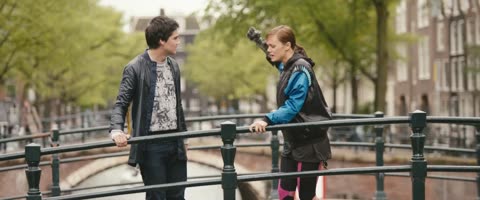
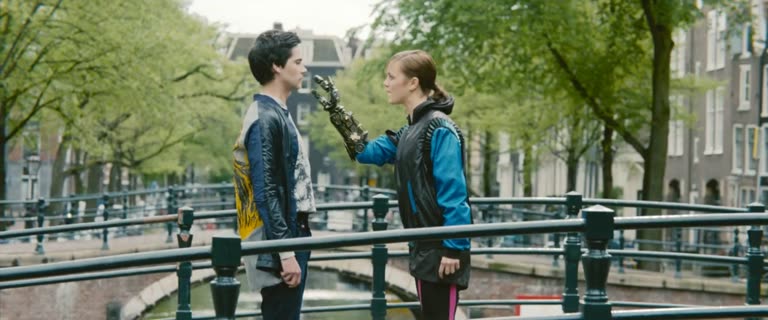
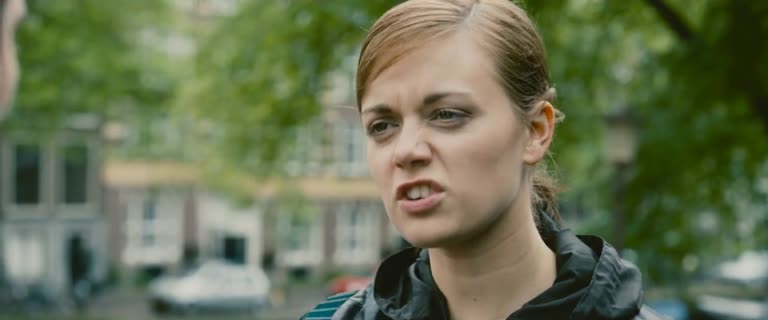
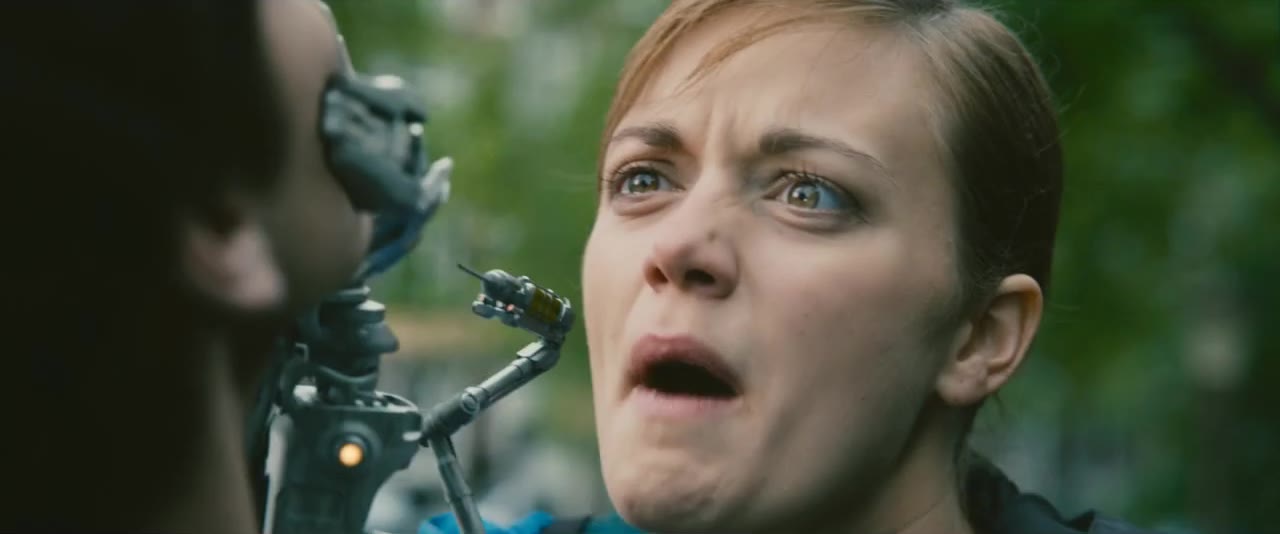
Search what a frame shows, the words on screen, and every line said.
Frames 6
0:05Scene 1 · shot 2
 0:03
0:03Scene 5 · shot 8
 0:06
0:06Scene 5 · shot 8
 0:01
0:01Scene 5 · shot 8
 0:08Reads text on screenText on screen
Scene 1 · shot 3
 0:07
0:07Scene 1 · shot 2
Dialogue 2
CELIA Why don’t you just admit that you’re freaked out by my robot hand?
Scene 1 · shot 2 · 0:03.6–0:06.8
CELIA Why don’t you just admit that you’re freaked out by my robot hand?
Scene 5 · shot 5 · 0:00.5–0:03.5
Drop a result on a shot and it is a take
A result is a generation with an in and an out point.
01 / 06⌘K
Review and handoff
Share a cut. Get notes on the frame. Hand off a real edit.
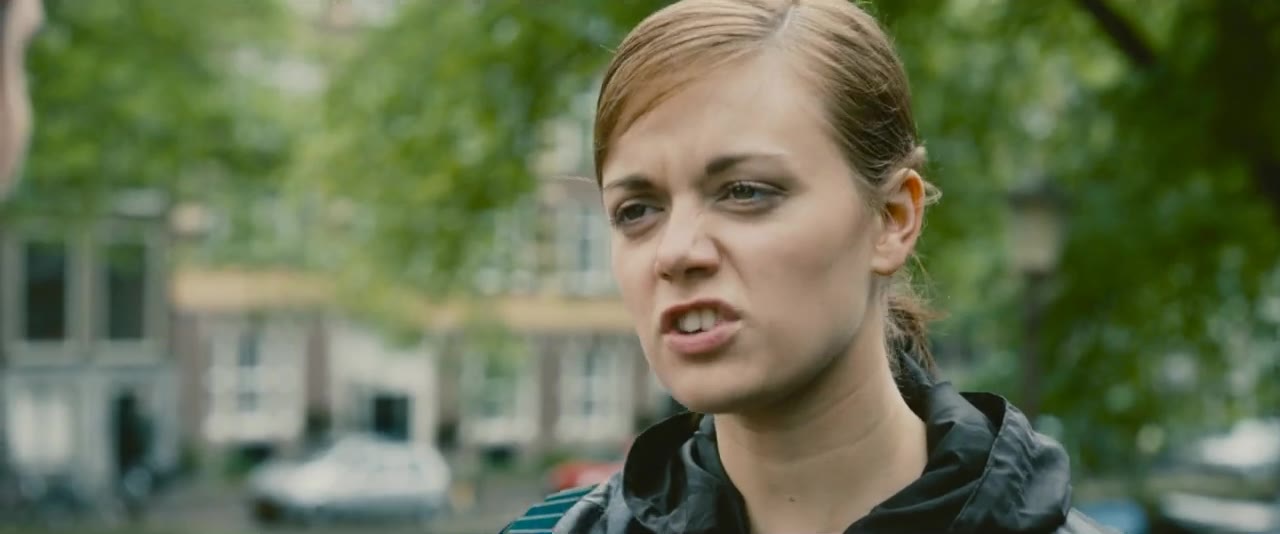
Clients open a link, comment on the exact frame, draw on it and approve or ask for changes, from a phone or a laptop. Unlike a review tool on the side, every note lands on the take and the prompt that made the shot. When the cut is locked, Final Cut opens it with every second the model made as handles.
Comments on the frame, one answer at the end
01 / 08The room
How a production runs
Every major model, one queue
Each shot runs on the model it needs. The studio keeps each provider’s limits, retries what failed for the provider’s reasons, and never charges you twice for one request.
- Seedance 2.5
- Kling 3.0
- Veo 3.1
- Runway Gen-4.5
- Higgsfield Cinema Studio
- SeedVR2 4K finishing
Made with Mr. Yellow
We’re making our own series with it. Until the season’s numbers are in, these come from our lab and our tests.
5.7
cut points in an average generation, so one generation gives several takes (95 of our own generations)
$0.71
per approved second, for a 720p shot approved on its third try
54 s
to render and join a nine-shot scene
16
experiments, about $62 of generations, before a line of product code
Start with the script.
Bring a Final Draft or Fountain file, or open our sample production, and scene one is waiting. Or talk to us, and we’ll show you the studio on your own script.